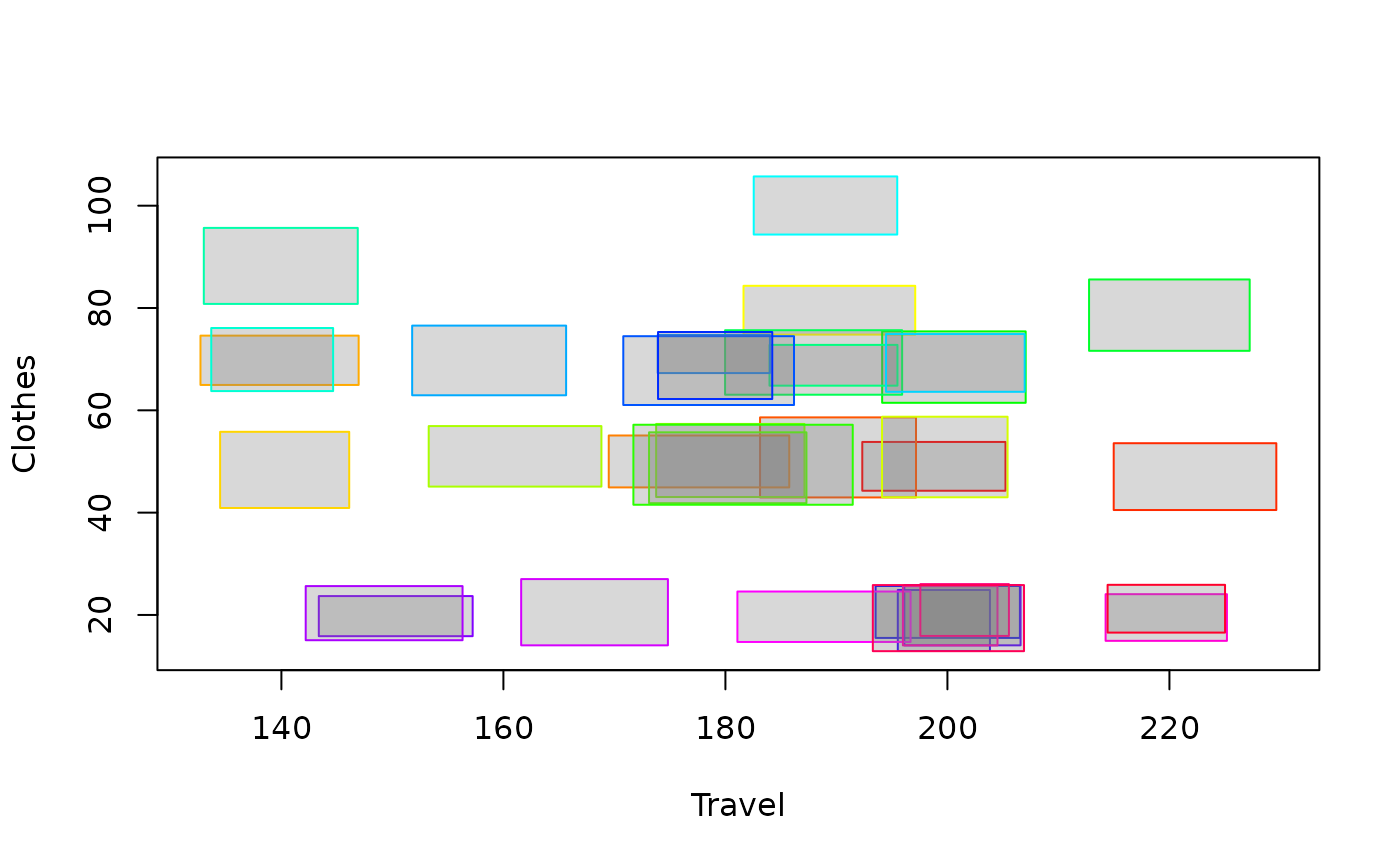
Create a biplot for interval-valued symbolic data, visualizing the symbolic data as rectangles or crosses, with the first two variables on the x and y axes. The function allows customization of colors, fill colors, and outlier representation.
Arguments
- data
An intData object containing the macrodata/interval data. The first two variables are used for the x and y axes.
- type
The type of plot to generate: "rectangles", "crosses" or "crosses2". Default is "rectangles".
- palette
A vector with colors for each observation. Default is
rainbow(nrow(data)).- fill_col
If
type="rectangles", a vector with colors for the fill of each observation, or a single color for all observations. Default is "gray50".- is_outlier
A vector with logical values indicating if the observation is an outlier or not. It makes the line width of the outlying observations thicker. Default is NULL.
- ...
Additional graphical parameters.
Value
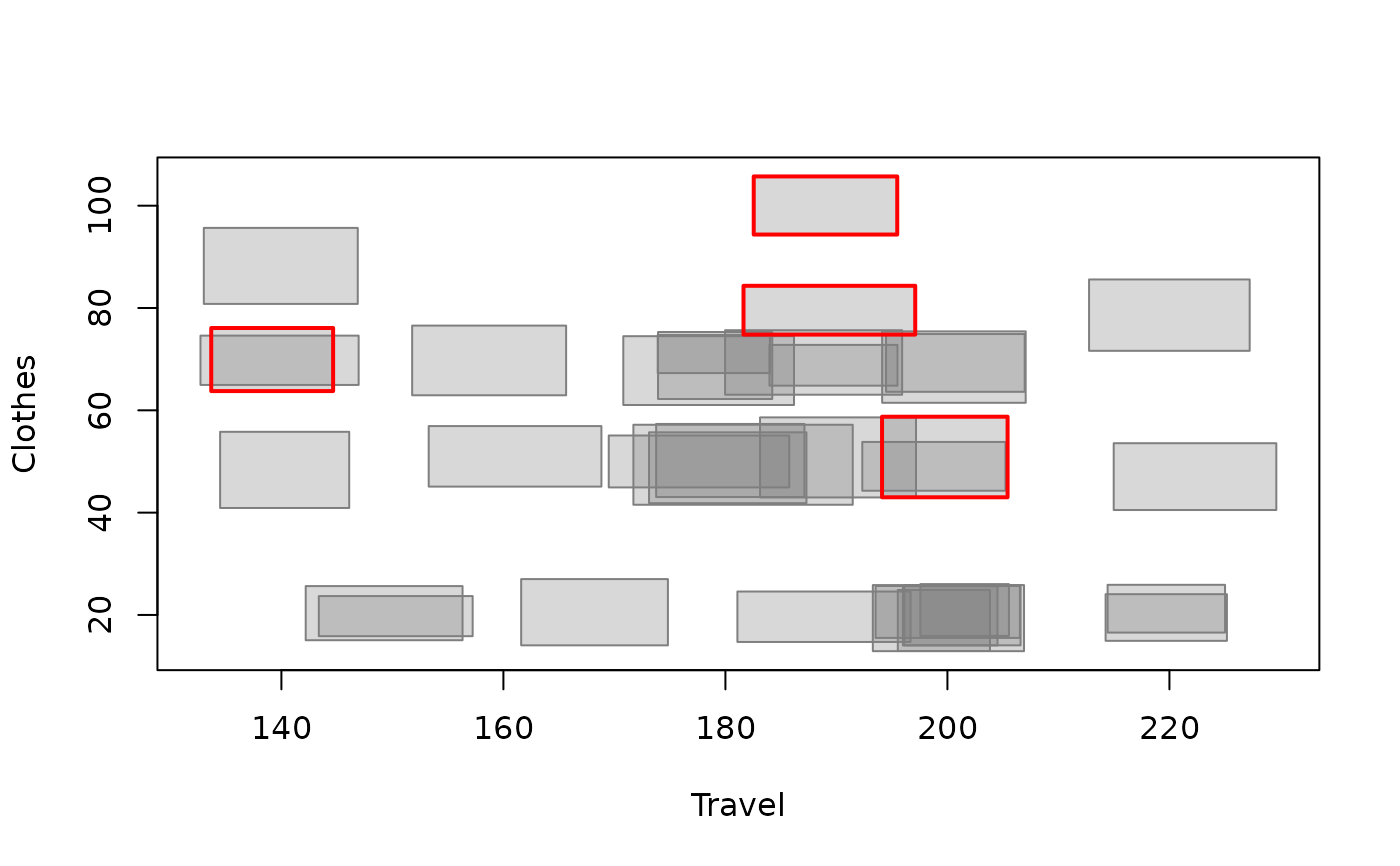
A biplot is drawn in the graphic window. The biplot shows the symbolic data as rectangles or crosses, with the first two variables on the x and y axes.
Examples
data(creditcard)
credit_card_int <- creditcard$intData
SYMB.biplot(credit_card_int[,c(3,5)])
 # Highlight outliers in the biplot
credit_card_IMCD <- IMCD(credit_card_int, floor(0.75*credit_card_int@NObs), "farness", 0.9)
credit_card_outliers <- int_outliers(credit_card_IMCD$robust_dist, "farness", 0.9)
outliers_colors<-rep('gray50',credit_card_int@NObs)
names(outliers_colors)<-rownames(credit_card_int)
outliers_colors[credit_card_outliers$outliers_names] = 'red'
SYMB.biplot(credit_card_int[,c(3,5)], palette = outliers_colors,
is_outlier = credit_card_outliers$is_outlier)
# Highlight outliers in the biplot
credit_card_IMCD <- IMCD(credit_card_int, floor(0.75*credit_card_int@NObs), "farness", 0.9)
credit_card_outliers <- int_outliers(credit_card_IMCD$robust_dist, "farness", 0.9)
outliers_colors<-rep('gray50',credit_card_int@NObs)
names(outliers_colors)<-rownames(credit_card_int)
outliers_colors[credit_card_outliers$outliers_names] = 'red'
SYMB.biplot(credit_card_int[,c(3,5)], palette = outliers_colors,
is_outlier = credit_card_outliers$is_outlier)